To achieve professional-quality videos with budget cameras, you need to adopt strategic techniques that enhance the visual and audio elements of your production. By understanding the capabilities of your camera and employing external tools effectively, you can elevate the overall quality of your videos. From optimizing resolution and frame rate to mastering lighting and sound setup, each step plays a crucial role in creating a polished end product. As you navigate through the intricacies of video production on a budget, unlocking these key strategies will be essential for achieving results that rival higher-end setups.
Choosing the Right Camera
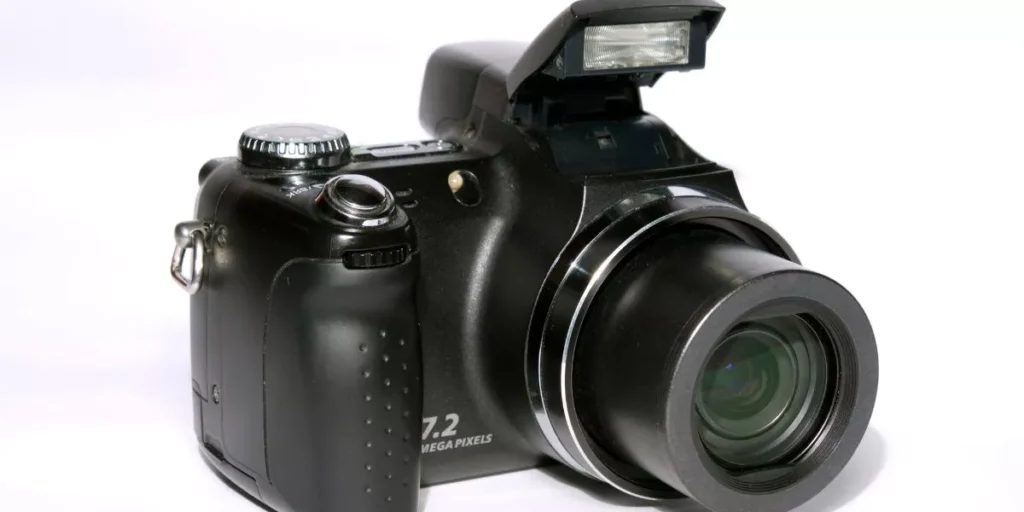
When selecting a budget camera for professional-quality videos, prioritize features that align with your specific filming needs. Consider factors like resolution, frame rate, and stabilization. Opt for a camera that offers at least 1080p resolution for crisp, clear footage. Higher resolutions like 4K are great but may come at a higher cost.
Frame rate is crucial for capturing smooth motion. Choose a camera that can shoot at 24fps or higher for a more cinematic look. Stabilization is key to avoid shaky footage. Look for cameras with built-in stabilization or consider investing in a gimbal for smoother shots.
Additionally, assess the audio capabilities of the camera. Good sound quality is essential for professional videos. Ensure the camera has a microphone input or invest in an external microphone for better audio recording.
Battery life is another crucial aspect to consider. You don’t want to be constantly interrupted by having to recharge your camera. Look for a camera with long battery life or consider purchasing extra batteries to avoid running out of power mid-shoot.
Lighting Techniques for Quality
To achieve professional-quality videos, mastering effective lighting techniques is essential. Proper lighting can significantly enhance the overall look and feel of your video, making it more visually appealing and engaging for your audience. Here are some key lighting techniques to help you achieve high-quality results with your budget camera.
Firstly, consider the natural light available in your filming location. Utilizing natural light can create a soft and flattering look, especially during the golden hours of sunrise and sunset. Position your subject facing the light source for a well-lit shot.
If natural light is limited or unavailable, artificial lighting sources such as softboxes, LED panels, or even desk lamps can be used to illuminate your scene. Experiment with different angles and intensities to find the most flattering lighting setup for your video.
Additionally, pay attention to the color temperature of your light sources to maintain consistency throughout your video. Mixing warm and cool light can create an unprofessional look, so try to stick to one color temperature for a cohesive aesthetic. Mastering these lighting techniques will help you elevate the quality of your videos, even with a budget camera.
Sound Setup for Clarity
Consider how the sound setup can enhance the overall quality of your videos, bringing clarity and depth to your content. Good audio is crucial for professional-quality videos.
Start by investing in a quality microphone. A lapel or lavalier microphone can provide clear and crisp audio, especially for dialogue-heavy scenes. Make sure to position the microphone close to the speaker for optimal sound capture. Additionally, using a windscreen or pop filter can help reduce unwanted noise like wind or plosives.
When recording, pay attention to the environment. Choose a quiet location to minimize background noise. If filming outdoors, consider using a directional microphone to focus on capturing the intended sound while reducing ambient noise.
During post-production, adjust the audio levels to ensure consistency and clarity. Remove any unnecessary background noise using audio editing software.
Editing Tips for Polished Videos
For polished videos, focus on refining your editing techniques to enhance the overall quality and impact of your content.
Start by organizing your footage in a clear and logical sequence to maintain viewer engagement. Utilize jump cuts or transitions to smoothen the flow between different shots. Pay attention to the pacing of your edits to keep the video dynamic and engaging.
Ensure that your audio levels are consistent throughout the video to provide a seamless viewing experience. Use color correction and grading to create a cohesive visual style and enhance the overall look of your video.
Incorporate text overlays or graphics to emphasize key points and keep the audience informed. Experiment with different editing styles and techniques to find what works best for your content.
Remember that practice makes perfect, so keep refining your editing skills to produce polished and professional-quality videos.
Tech products