
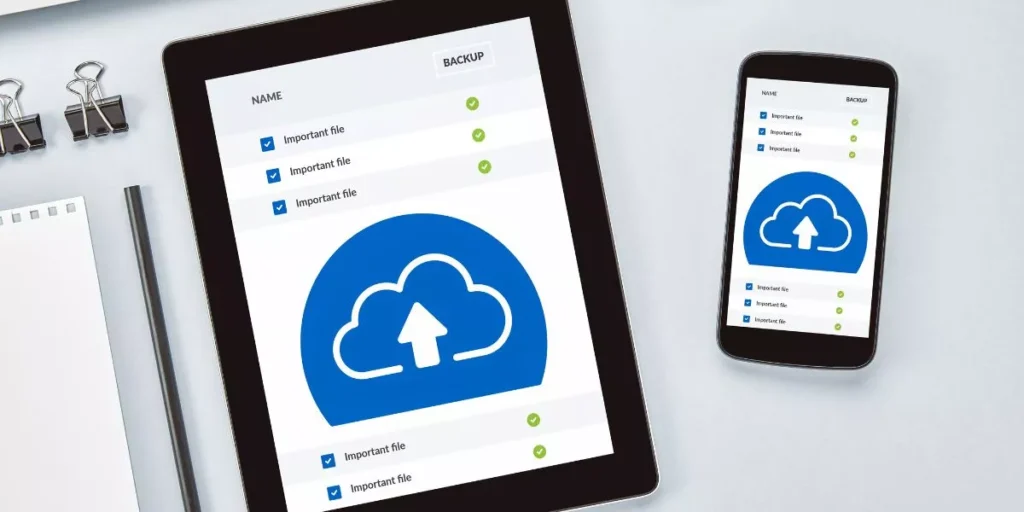
Are you constantly battling with limited smartphone storage? Your photos, apps, and files are crucial, and losing them is not an option. But fear not, there are ways to optimize your device’s storage without sacrificing your valuable data. By following a few simple steps and utilizing the right tools, you can ensure that your smartphone remains clutter-free and efficient. So, how exactly can you strike this balance between storage optimization and data preservation?
Assess Storage Usage
To effectively manage your smartphone storage, begin by assessing how much space each app and file is consuming. Go to your phone’s settings and look for the storage or storage usage section. Here, you’ll see a breakdown of how much space different apps, photos, videos, and other files are taking up on your device. Take note of the largest culprits hogging your storage.
After identifying the apps and files consuming the most space, consider whether you really need them all. Some apps may be taking up space without you realizing it. Decide which ones are essential and which you can live without. For files like photos and videos, consider backing them up to cloud storage or transferring them to a computer to free up space on your phone.
Regularly checking your storage usage can help prevent your phone from running out of space unexpectedly. By staying on top of what’s consuming your storage, you can optimize your smartphone’s storage without losing any important data.
Organize Files and Apps
Consider rearranging your apps and files to optimize your smartphone’s storage efficiently. Start by decluttering your home screen. Remove any unused apps and organize the remaining ones into folders based on categories like ‘Social’, ‘Productivity’, or ‘Entertainment’. This simple step can free up space and make it easier to find what you need.
Next, go through your photos, videos, and documents. Delete duplicates, blurry images, or files you no longer need. Transfer important files to your computer or an external storage device to free up space on your phone. Utilize the ‘Recently Deleted’ folder in your photos app to permanently remove any unnecessary items.
Consider using apps like Google Photos or Dropbox to automatically back up your photos and videos to the cloud. This way, you can free up storage on your phone while still having access to your files whenever you need them. By organizing your files and apps, you can maximize your smartphone’s storage capacity and keep it running smoothly.
Utilize Cloud Storage
Try incorporating cloud storage solutions to effectively manage and optimize your smartphone’s storage capacity. Cloud storage allows you to store your files, photos, videos, and other data on remote servers accessed through the internet. By utilizing cloud services like Google Drive, Dropbox, or iCloud, you can free up space on your device while still having easy access to your information.
To start using cloud storage, simply download the corresponding app on your smartphone, create an account, and start uploading your files. You can choose to manually select which files to upload or set up automatic backups for seamless storage management. Additionally, cloud storage services often offer free storage space with the option to purchase more if needed.
With cloud storage, you can easily access your files from any device with an internet connection. This not only optimizes your smartphone’s storage but also provides a convenient way to back up important data, ensuring that your information remains safe and accessible whenever you need it.
Clear Cache and Junk Files
Clearing cache and junk files on your smartphone can significantly improve its performance and free up valuable storage space. As you use various apps and browse the internet, your device stores temporary data in the cache to speed up processes. However, over time, this cache can grow and take up a substantial amount of storage. By regularly clearing the cache, you can ensure that your smartphone runs smoothly and efficiently.
Junk files, such as residual app data and unnecessary downloads, also accumulate on your device and occupy space. These files serve no purpose and only clutter your storage. Deleting them not only creates more room for important data but also helps in optimizing your phone’s performance.
To clear cache and junk files, you can use built-in tools on your smartphone or download reputable cleaning apps from the app store. These tools make the process quick and hassle-free, allowing you to reclaim storage space with a few taps. Regular maintenance in this aspect can prevent your device from slowing down and ensure that it operates at its best capacity.
Tech products